
Learn the recorder, one note at a time
An interactive recorder teacher that listens and watches. The recorder most children start with: soprano or alto, baroque or German fingering. It hears your notes and paints the fingering on your own hands. No camera? It works by ear alone.
Formerly Recorder Hero: the same lessons and songs, now part of Tutti Fluty.

- Free lessons
- Nothing to install
- Nothing is recorded

Your first notes
One new note in each lesson, with a short tune to play it in.
Your recorder is the controller
Three free games you play with your recorder: every note you play moves the game.
21 songs to practice
Note by note, then through in time, at your own pace.
No lesson today? Just play
Choose Free play and play anything you like. Each note shows big, with its fingering, and is written on a staff as you go.
- It knows the songsStart a tune from the song library and it tells you which one, shows the notes that come next, and opens its lesson with a tap.
- A band behind youA drone, a slow ballad, a lullaby, lo-fi, reggae, bossa nova or rock: drums, bass and chords, so whatever you play sounds like music.
- Hear yourselfPlay it back in your instrument's own sound.
- A tunerIn tune, a little high or a little low, and how long you held a note steady.
Virtual recorder
Tap a note, or play it on your keyboard, and hold it as long as you like. The picture shows which holes to cover for each note.
 thumb
C
On a computer, play with your keyboard: each note shows its key. The letters are the notes' names (C plays C); hold Shift for the higher ones, and the numbers play the sharps and flats.
The sound is made in your browser: close to the real instrument, not the same.
How it works
Three steps for every new note.

Listen
The teacher plays each new note first, so you know how it should sound.

See the fingers
A chart shows which holes to cover.

Play
It listens as you play: the right note gets a cheer, a wrong one shows what to fix.
It listens, and it watches
Other teachers on a screen only listen. This one also sees you play.
- It listensEvery note you play is heard: the right one gets a cheer, a wrong one shows what to fix.
- It watchesWith a camera it follows your hands and paints the fingering on them: which fingers press, which lift, and the finger to fix.
- Honest about itThe camera can't tell whether a hole is fully covered: when a note comes out wrong, the teacher explains it from the note that sounded.
- PrivateThe picture and the sound stay on your device.
The notes, and how to finger them
Every note it teaches, in its color, with the fingering for each.
Duct flute · held upright · 7 holes and a thumb hole · clear tone
Games for the recorder
Games you play with your own instrument: it listens as you play.
Song packs
Themes from around the world, Christmas, half-holes and more: each pack comes with its songbook. Recorder song packs from €2.99, paid once.

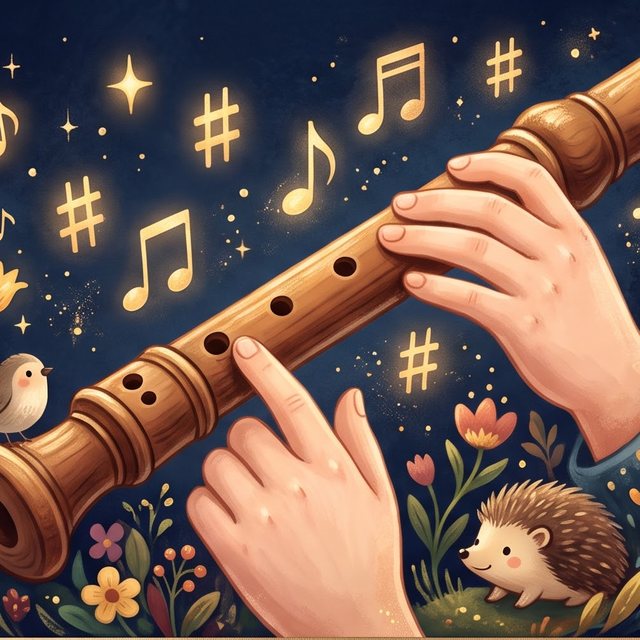


Real players, real notes
Read more
How the teacher works, how to choose and how to practice.
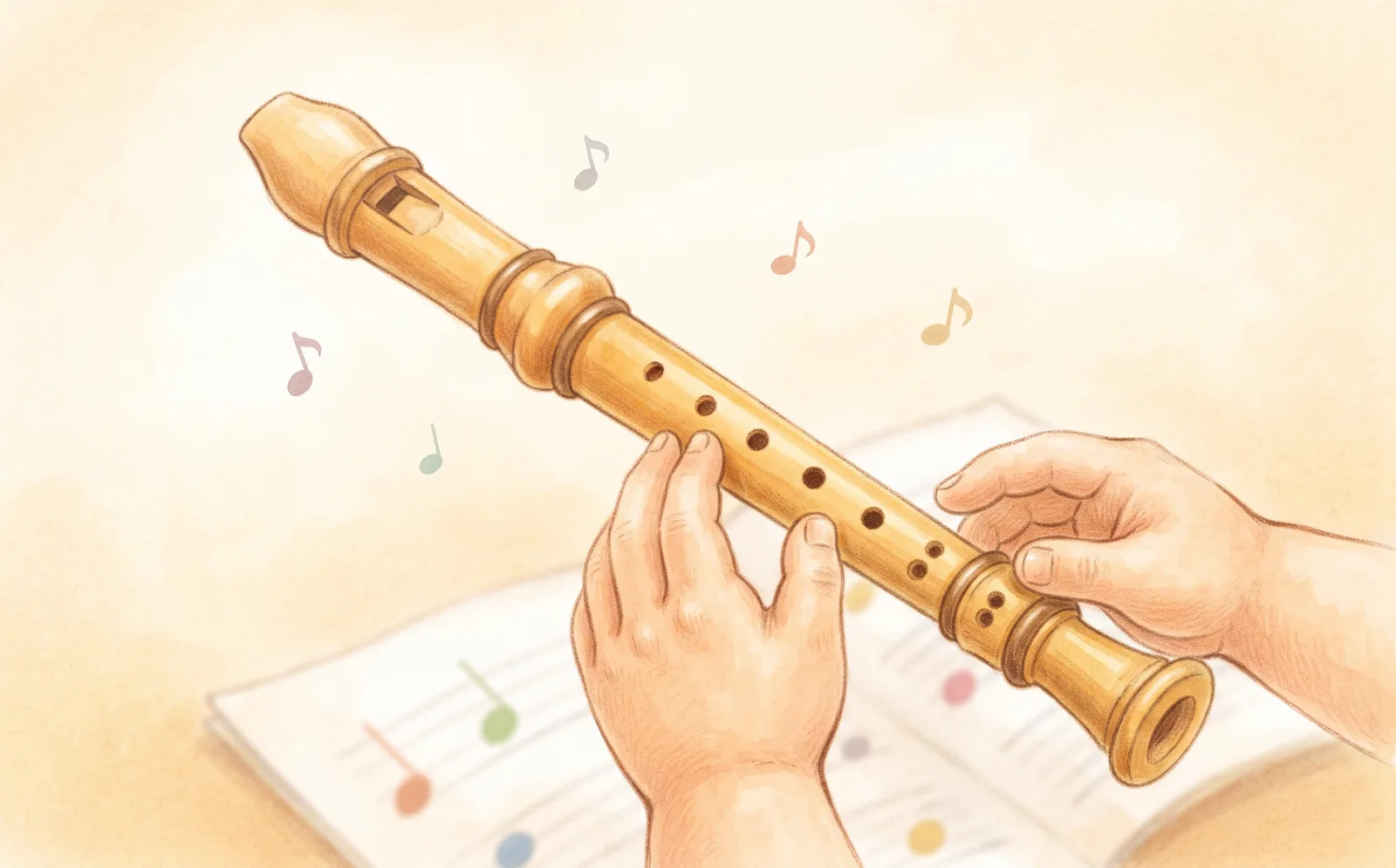
Why a camera and a microphone are the best way to learn the recorder
How a microphone that hears every note and a camera that guides your fingers with augmented reality give beginners instant,…
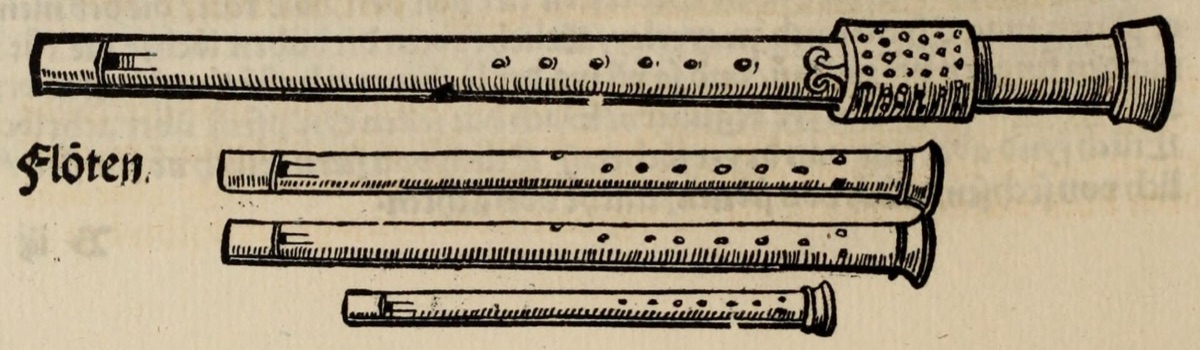
A short history of the recorder
The recorder's story in five minutes: medieval beginnings, Renaissance consorts, Baroque stardom, a long sleep, and its…

Composers who loved the recorder
From Bach's Brandenburg Concertos to Vivaldi's dazzling concertos and modern pieces by Hindemith and Britten: the great…
Articles
Recorder: articles ›For parents (and teachers)
Practice at home, without standing by every note. Between lessons and in class, too.
- Free lessons. 21 lessons and 21 songs, nothing to install: it runs in the browser.
- Private. The camera and the microphone stay on your device; nothing is recorded or uploaded. The one exception is a grown-up's choice: adults who join the Player Video can record themselves playing, and only when they choose to.
- At their own pace. Each note is practiced until it's right.
- Accounts for grown-ups. A child plays with a parent's or teacher's account; their stars are kept on every device.
We believe every child is born knowing how to play. Day by day, the noise pulls them away from their life's song. We're for less distraction, more attention: we help a child focus and give their attention to the music, the breath, and themselves. Then the music inside can come out, unobstructed. Less drama, more dharma.

Questions
Do I need a real instrument?
Yes: the teacher listens to the notes you play, so you need a real instrument, with a computer, tablet or phone that has a microphone.
Do I need a camera?
No. With a camera you see the fingering painted on your own hands; without one, the lessons work by ear alone.
Is it free?
Yes. For free you get 21 lessons that take you from your very first note to playing 17 notes (C to A′), and 21 songs to play, each with its fingering and help on every note. Nothing to install. Song packs add more songs, if you want them.
Is anything recorded?
No. The camera and the microphone stay on your device: nothing is recorded or uploaded. The one exception is a grown-up's choice: adults who join the Player Video can record themselves playing, and only when they choose to.
Can children use it?
Yes, it's made for children's first steps, and for grown-ups starting out. Accounts are for grown-ups: a child plays with a parent's or teacher's account.
Which instruments?
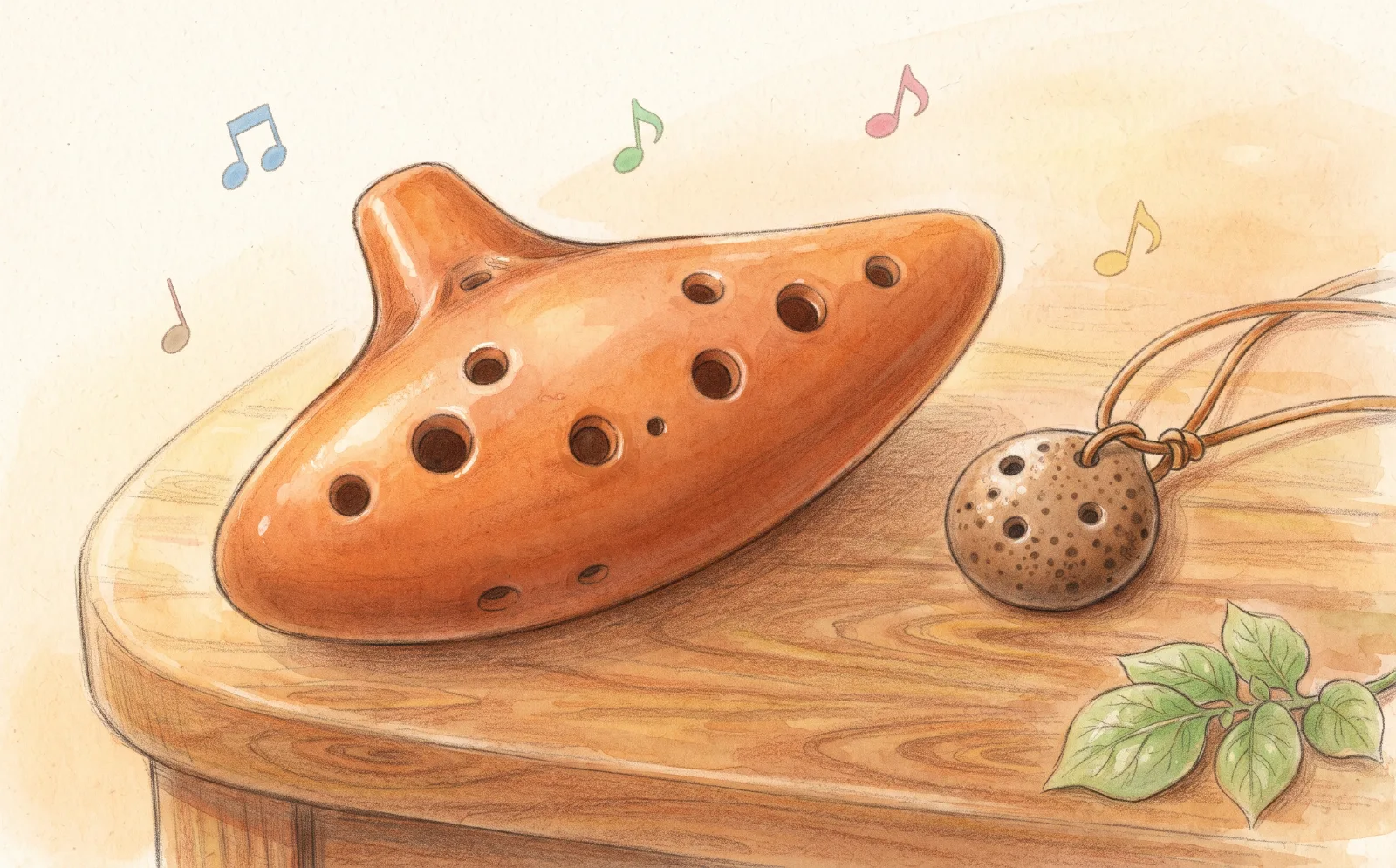
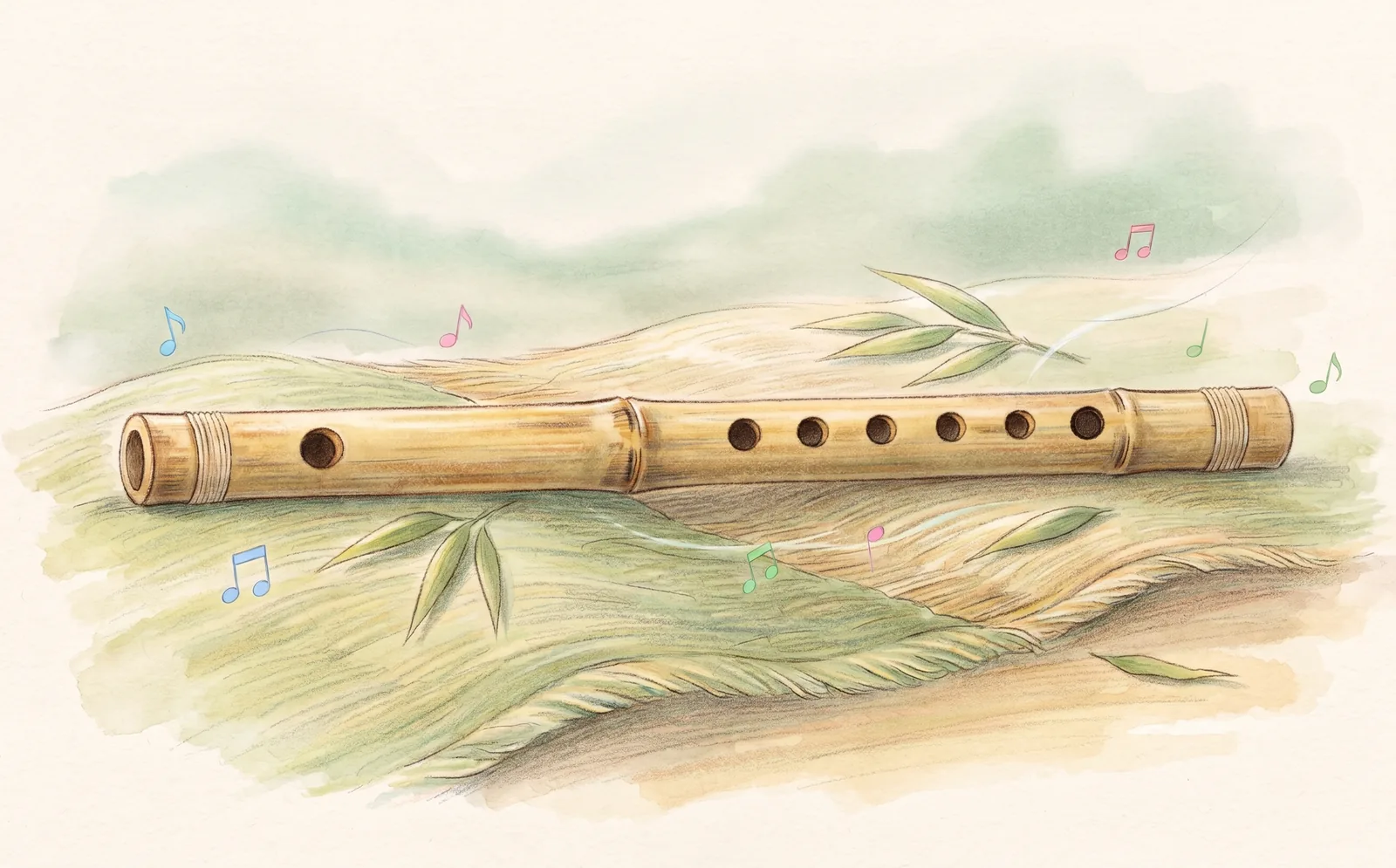
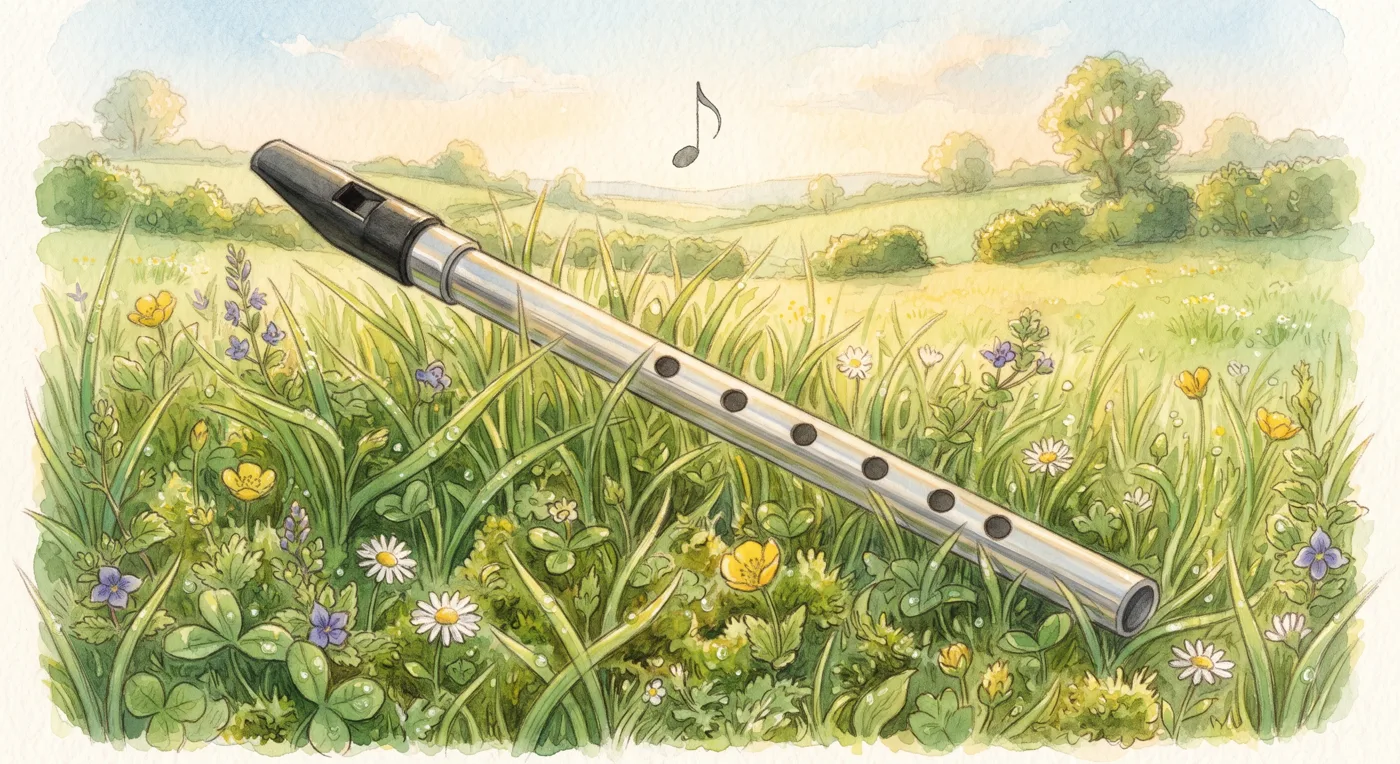
Recorder, Ocarina, Bansuri (side-blown bamboo flute), Tin whistle. Choose yours at the top of the page, and change it at any time.
Ready? Grab your recorder.
The first lesson takes a few minutes: you'll play your first note right away.
Start the first lessonYour instrument: Recorder · Change