
Virtual txistu
Tap a note, or play it on your keyboard, and hold it as long as you like. The picture shows which holes to cover for each note. Where your device can show it, it's a virtual 3D player: two hands play every note, so you see each fingering and how to hold the instrument.
C
On a computer, play with your keyboard: each note shows its key. The letters are the notes' names (C plays C); hold Shift for the higher ones, and the numbers play the sharps and flats.
The sound is made in your browser: close to the real instrument, not the same.
Have a real one?The free lessons listen and watch as you play, note by note.
StartHow to hold your txistu, in 3D
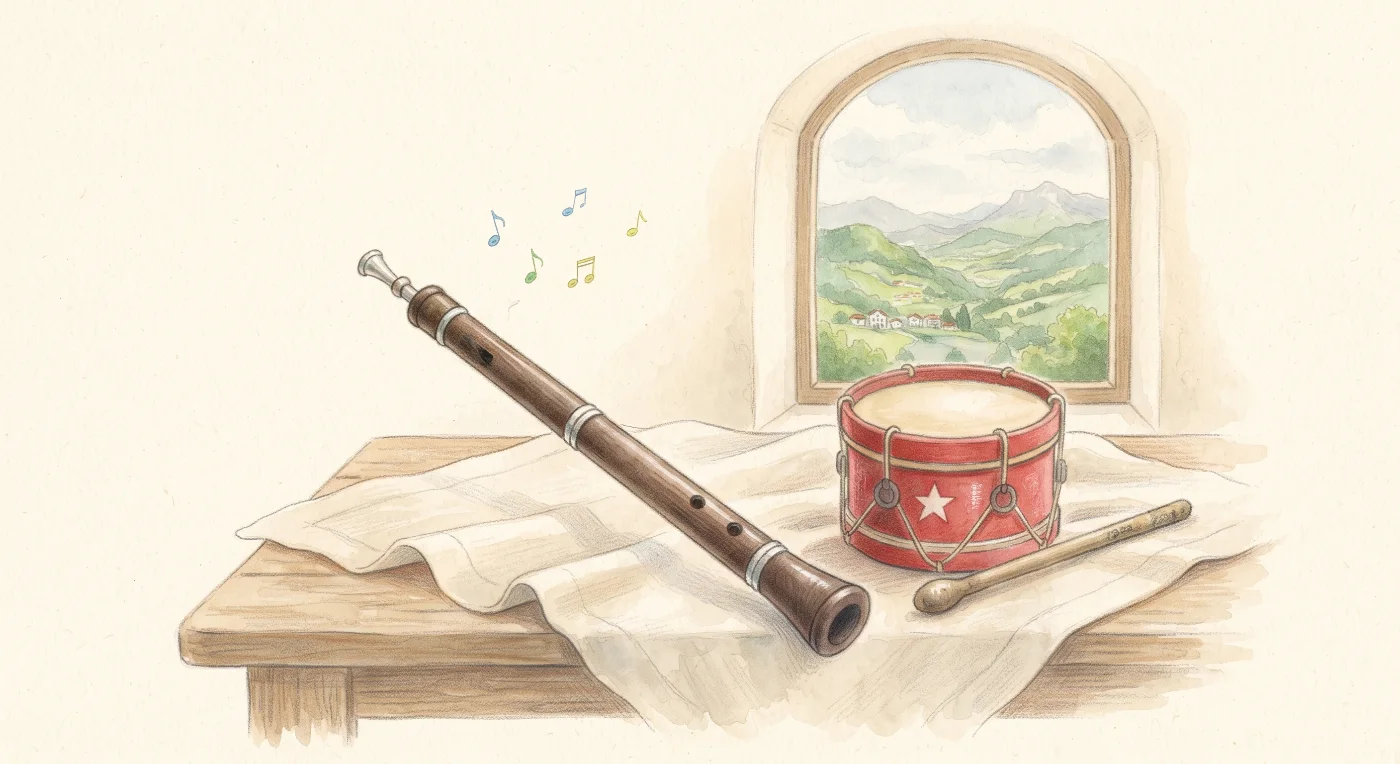
- One hand plays it, the left: the txistu hangs from it, the mouthpiece at your lips, while the right hand is free for the drum.
- Your pointer and middle fingers cover the two holes in front, your thumb the hole behind; the ring and little fingers rest below, the little one at the end of the pipe.
- With only three holes, your breath chooses the note: a gentle breath for the low notes, a little more for each higher one.
Turn the 3D hands with the round buttons: from the front, from the back (where the thumbs are), from above and from below.