
Learn the Irish flute, one note at a time
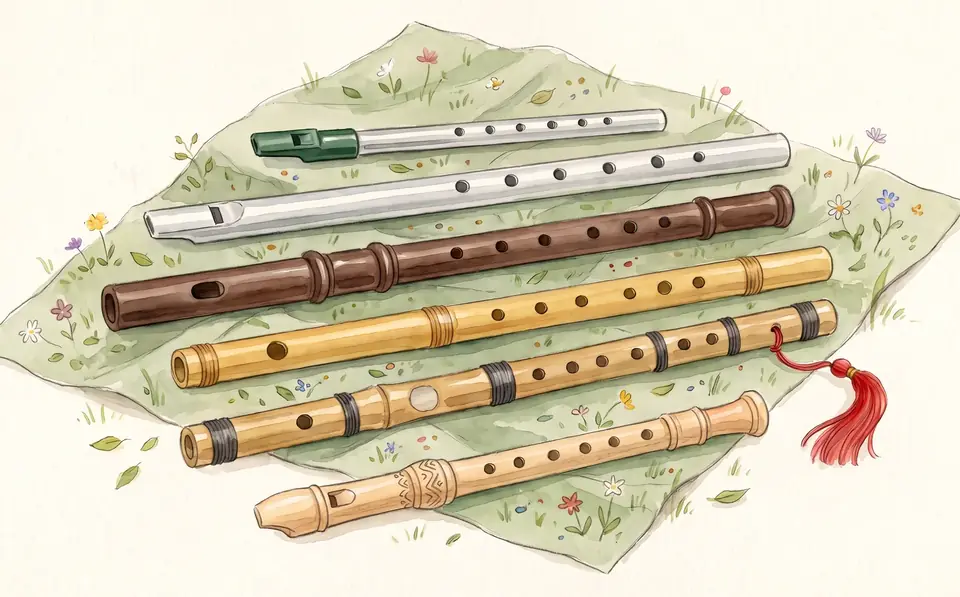
An interactive Irish flute teacher that listens and watches. Ireland's wooden flute, played sideways: six holes, often no keys, and a warm, breathy voice made for jigs and reels. It hears your notes and paints the fingering on your own hands. No camera? It works by ear alone.
One course for every six-hole flute ›
Still being tested: found a mistake in the Irish flute's fingering or sounds? Tell us ›
- Free lessons
- Nothing to install
- Camera and microphone stay on your device
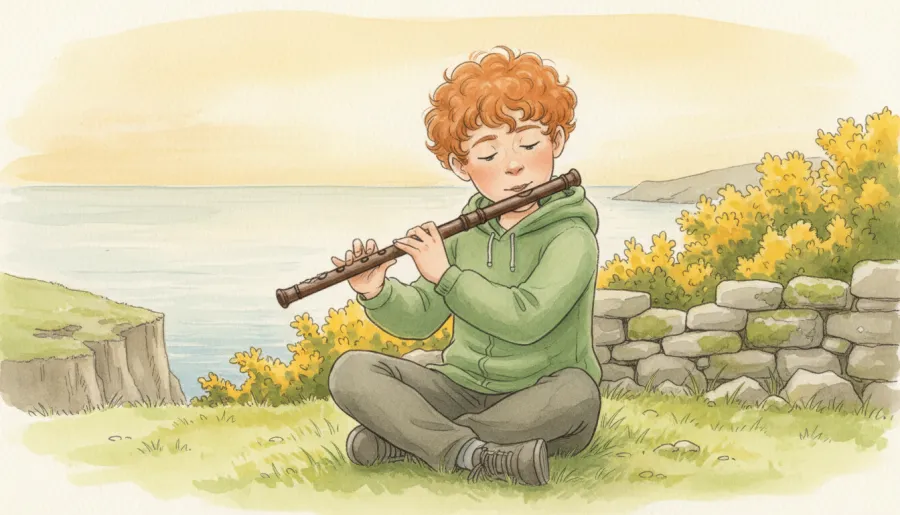
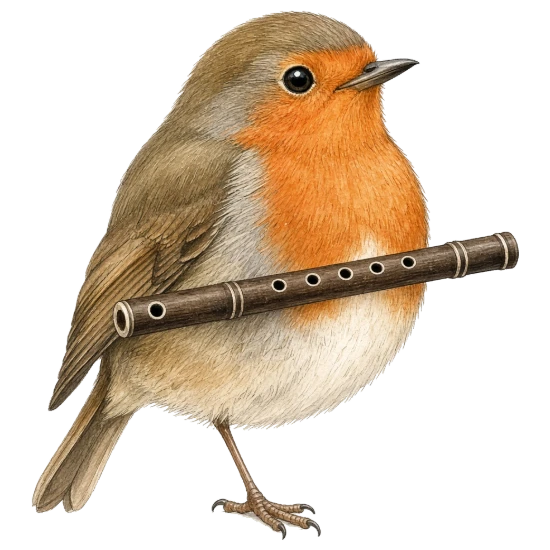
Can you play the Irish flute?
Not enough people have played it in our lessons yet for us to be sure they're accurate. If you have the time, try the lessons and tell us how they felt: you'd help keep an old way of making music alive, and pass it on to children who've never heard it.
Your first notes
One new note in each lesson, with a short tune to play it in.
Your Irish flute is the controller
Three free games made for the ocarina and the recorder. Your Irish flute can play them too: choose “Another instrument” when a game starts, and every note you play moves it.



21 songs to practice
Note by note, then through in time, at your own pace.
No lesson today? Just play
Choose Free play and play anything you like. Each note shows big, with its fingering, and is written on a staff as you go.
- It knows the songsStart a tune from the song library and it tells you which one, shows the notes that come next, and opens its lesson with a tap.
- A band behind youA drone, a slow ballad, a lullaby, lo-fi, reggae, bossa nova or rock: drums, bass and chords, so whatever you play sounds like music.
- Hear yourselfPlay it back in your instrument's own sound.
- A tunerIn tune, a little high or a little low, and how long you held a note steady.
Virtual Irish flute
Play it the way the real one is played: your fingers cover the holes, and when they make a real fingering, its note sounds.
Your keyboard may stop at 6 keys at once. Switch on Tap to cover to hold more holes.
How to play
- Put your fingers on the keys as you would on the instrument: your left hand on S D F, your right hand on J K L.
- Hold the keys down to cover the holes. When the holes make a real note, it sounds and lights up, so your fingers learn the real fingering, ready for a real instrument.
- Start with every hole covered for the lowest note, then lift one finger at a time from the bottom to go up the scale.
- Hold Shift too for the high notes, like blowing a little harder. G or H plays with every hole open.
- On a phone or tablet, touch the holes, with as many fingers as you need. When the holes make a real note, it sounds and lights up, so your fingers learn the real fingering, ready for a real instrument.
Play with a Nintendo Switch controller
The virtual instruments play on a game controller, like the Nintendo Switch Pro Controller or a pair of Joy-Cons, on a computer, a tablet or a phone. The cross pad is your left hand, the four buttons your right hand and the shoulder buttons your thumbs: hold the buttons as you'd cover the holes, and the note sounds. The right trigger blows a little harder; the left one opens every hole.
On a computer (Chrome or Edge)
- Pro Controller, wired: plug a USB-C cable from the controller into the computer.
- Pro Controller, Bluetooth: hold the small Sync button on the top of the controller until the green lights flash, then open the computer's Bluetooth settings and choose Pro Controller.
- Joy-Cons (Bluetooth only): hold the small Sync button on the inner rail of each Joy-Con until its lights flash, then pair both Joy-Con (L) and Joy-Con (R) in the Bluetooth settings. The browser joins the two into one controller by itself: nothing else to install.
On a phone or tablet
- iPhone or iPad (iOS 16 or later): hold the Pro Controller's Sync button until the lights flash, then open Settings, then Bluetooth, and tap Pro Controller.
- Android (10 or later): hold the Pro Controller's Sync button until the lights flash, then open the Bluetooth settings, choose Pair new device, and pick Pro Controller.
Then press any button on the controller: once the page sees it, the keys show its buttons.
Nintendo Switch, Joy-Con and Pro Controller are trademarks of Nintendo. We're not affiliated with Nintendo.
The sound is made in your browser: close to the real instrument, not the same.
How it works
Three steps for every new note.
Listen
The teacher plays each new note first, so you know how it should sound.
See the fingers
A chart shows which holes to cover.
Play
It listens as you play: the right note gets a cheer, a wrong one shows what to fix.
It listens, and it watches
Many teachers on a screen only listen. This one also sees you play.
- It listensEvery note you play is heard: the right one gets a cheer, a wrong one shows what to fix.
- It watchesWith a camera it follows your hands and paints the fingering on them: which fingers press, which lift, and the finger to fix.
- PrivateThe picture and the sound stay on your device.
The notes, and how to finger them
Every note it teaches, in its color, with the fingering for each.
Side-blown flute · held across, to the right · 6 holes · warm, woody tone
Song packs
Themes from around the world, Christmas, half-holes and more: each pack comes with its songbook.

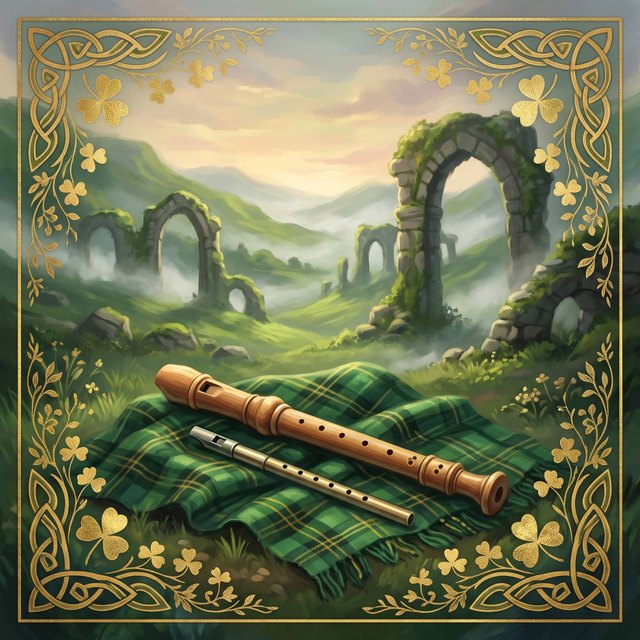

Read more
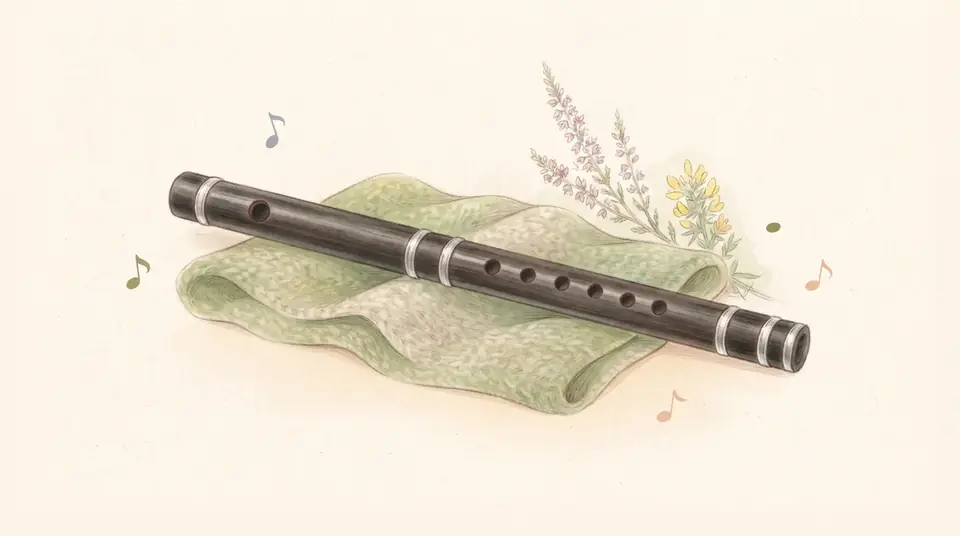
What is the Irish flute?
The wooden side flute of Irish traditional music: the tin whistle's fingers on a flute with a deep, woody voice.
Music for the Irish flute
Jigs, reels, slow airs and the players who made the wooden flute famous.
Your first Irish flute
For a beginner and a parent: choosing a flute in D, finding the first sound, holding it, and caring for the wood.
For parents (and teachers)
Practice at home, without standing by every note. Between lessons and in class, too.
- Free lessons. 20 lessons and 21 songs, nothing to install: it runs in the browser.
- Private. The camera and the microphone stay on your device; nothing is recorded or uploaded.
- At their own pace. Each note is practiced until it's right.
- Accounts for grown-ups. A child plays with a parent's or teacher's account; their stars are kept on every device.
We believe every child is born knowing how to play. Our values ›
Questions
Do I need a real instrument?
To play the lessons as they're meant, yes: the teacher listens to the notes you play, through a computer, tablet or phone with a microphone. No instrument at hand? For the recorder, the whistles and many of the flutes, fingering practice plays the lessons on the keyboard or the screen, with no microphone needed.
Do I need a camera?
No. With a camera you see the fingering painted on your own hands; without one, the lessons work by ear alone. The ocarina needs no camera at all: the teacher's hands show its fingering on a 3D ocarina.
Is it free?
Yes. For free you get 20 lessons that take you from your very first note to playing 16 notes (D to A′), and 21 songs to play, each with its fingering and help on every note. Nothing to install. Song packs add more songs, if you want them.
Is anything recorded?
No. The camera and the microphone stay on your device: nothing is recorded or uploaded.
Can children use it?
Yes, it's made for children's first steps, and for grown-ups starting out. Accounts are for grown-ups: a child plays with a parent's or teacher's account.
Which instruments?
Recorder, Ocarina, Txistu, Six-hole flute. Choose yours at the top of the page, and change it at any time.
Ready? Grab your Irish flute.
The first lesson takes a few minutes: you'll play your first note right away.
Start the first lessonYour instrument: Irish flute · Change