
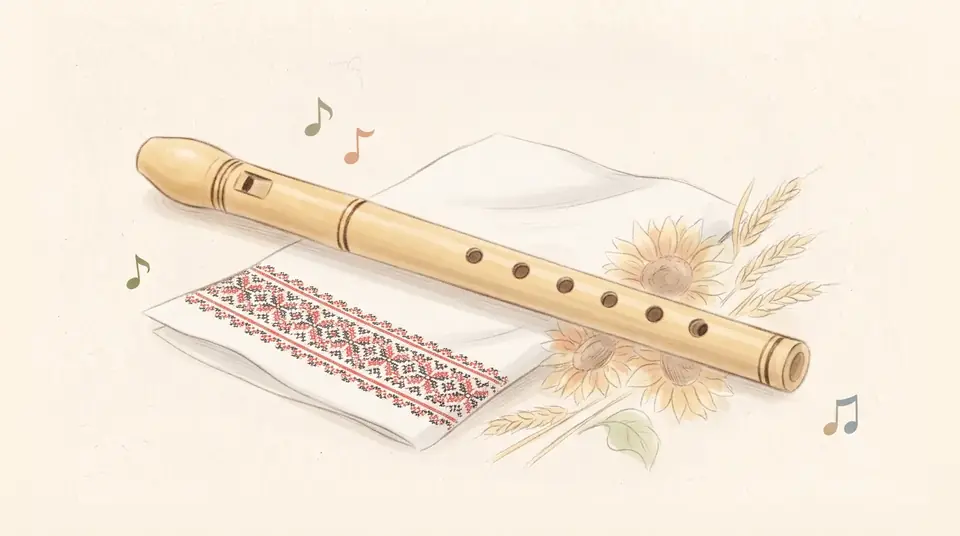
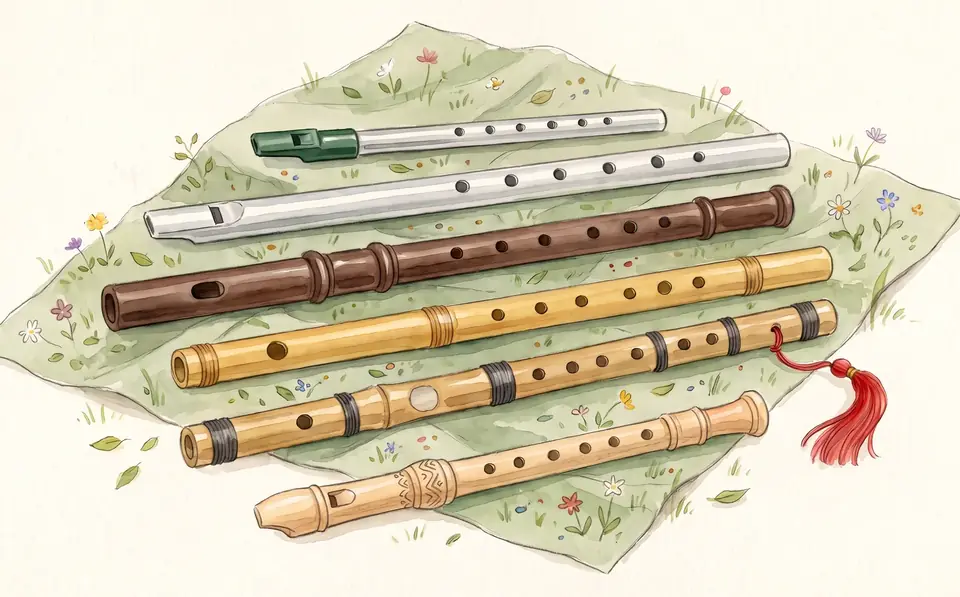
Virtual sopilka
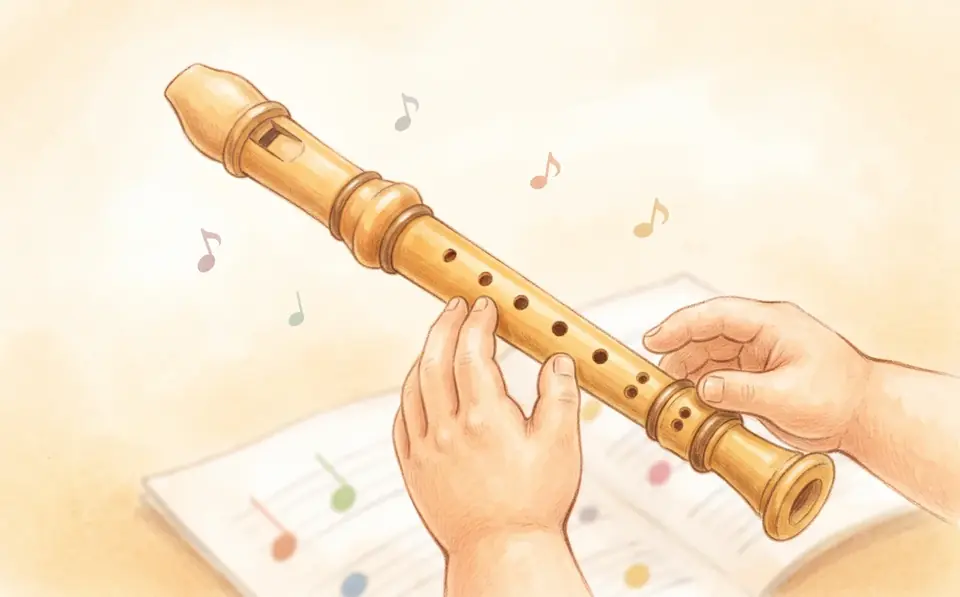
Play it the way the real one is played: your fingers cover the holes, and when they make a real fingering, its note sounds. Where your device can show it, it's a virtual 3D player: two hands play every note, so you see each fingering and how to hold the instrument.
Your keyboard may stop at 6 keys at once. Switch on Tap to cover to hold more holes.
How to play
- Put your fingers on the keys as you would on the instrument: your left hand on S D F, your right hand on J K L.
- Hold the keys down to cover the holes. When the holes make a real note, it sounds and lights up, so your fingers learn the real fingering, ready for a real instrument.
- Start with every hole covered for the lowest note, then lift one finger at a time from the bottom to go up the scale.
- Hold Shift too for the high notes, like blowing a little harder. G or H plays with every hole open.
- On a phone or tablet, touch the holes, with as many fingers as you need. When the holes make a real note, it sounds and lights up, so your fingers learn the real fingering, ready for a real instrument.
Play with a Nintendo Switch controller
The virtual instruments play on a game controller, like the Nintendo Switch Pro Controller or a pair of Joy-Cons, on a computer, a tablet or a phone. The cross pad is your left hand, the four buttons your right hand and the shoulder buttons your thumbs: hold the buttons as you'd cover the holes, and the note sounds. The right trigger blows a little harder; the left one opens every hole.
On a computer (Chrome or Edge)
- Pro Controller, wired: plug a USB-C cable from the controller into the computer.
- Pro Controller, Bluetooth: hold the small Sync button on the top of the controller until the green lights flash, then open the computer's Bluetooth settings and choose Pro Controller.
- Joy-Cons (Bluetooth only): hold the small Sync button on the inner rail of each Joy-Con until its lights flash, then pair both Joy-Con (L) and Joy-Con (R) in the Bluetooth settings. The browser joins the two into one controller by itself: nothing else to install.
On a phone or tablet
- iPhone or iPad (iOS 16 or later): hold the Pro Controller's Sync button until the lights flash, then open Settings, then Bluetooth, and tap Pro Controller.
- Android (10 or later): hold the Pro Controller's Sync button until the lights flash, then open the Bluetooth settings, choose Pair new device, and pick Pro Controller.
Then press any button on the controller: once the page sees it, the keys show its buttons.
Nintendo Switch, Joy-Con and Pro Controller are trademarks of Nintendo. We're not affiliated with Nintendo.
Most slips happen between two notes, when several fingers change at once. Tap a move: it plays back and forth, slowly, so you can watch each finger.
The sound is made in your browser: close to the real instrument, not the same.
How to hold your sopilka, in 3D
- Left hand on top covers the three holes nearest the mouthpiece, right hand the three below.
- Your thumbs rest behind the whistle and hold it; your little fingers stay off the holes.
- Cover the holes with the pads of your fingers, flat and relaxed, so they seal without pressing.
Turn the 3D hands with the round buttons: from the front, from the back (where the thumbs are), from above and from below.